Reports
Overview
The Reports Module in the Centric System provides a centralized hub for accessing, analyzing, and exporting key business reports. These reports span across multiple operational areas, including Inventory, POS, Purchases, Sales, and ZATCA compliance, offering businesses complete visibility into performance, transactions, and regulatory adherence.
With real-time insights and easy export options, the Reports Module empowers decision-makers to monitor operations, ensure compliance, and enhance efficiency.
How to Access
- Log in to the Centric System dashboard.
- From the left-hand sidebar, navigate to Report Hub.
- Choose the report category:
- Inventory
- POS
- Purchase
- Sales
- ZATCA
The selected tab will display the available reports within that category.
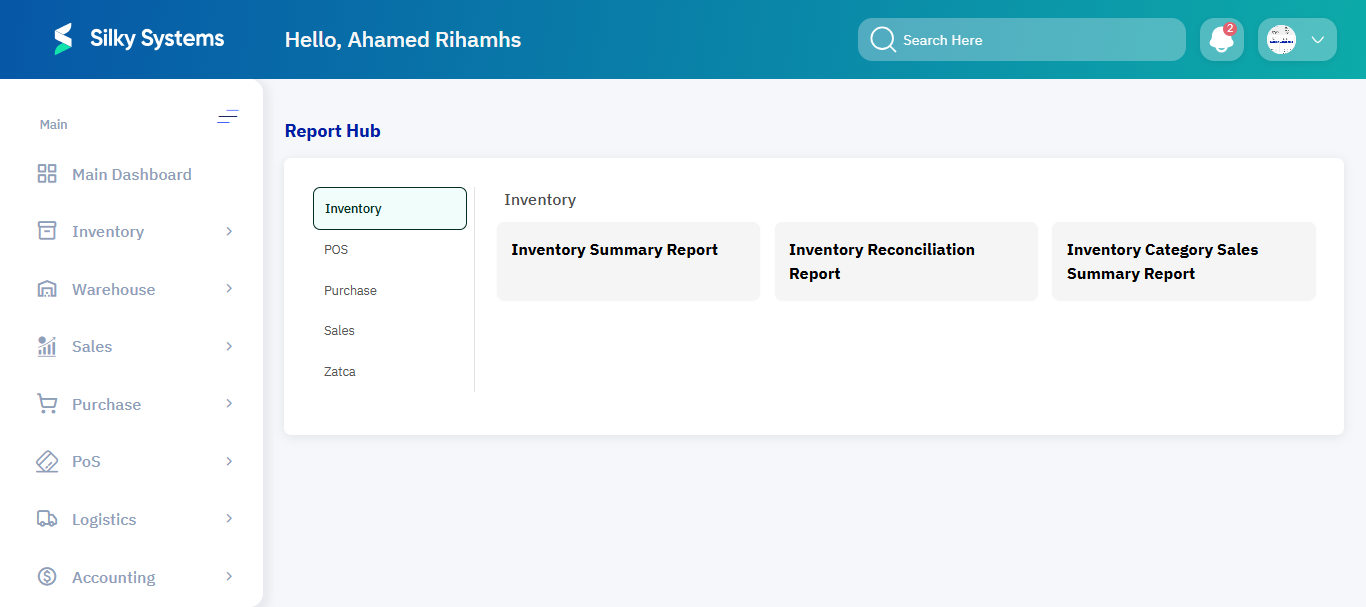
Inventory Reports
The Inventory Reports provide insights into stock movement, reconciliations, and category sales performance.
- Inventory Summary Report – Displays current stock levels and movement.
- Inventory Reconciliation Report – Highlights stock adjustments and reconciliation activities.
- Inventory Category Sales Summary Report – Summarizes sales per inventory category for analysis.
POS Reports
The POS Reports give a detailed view of point-of-sale transactions, returns, and cashier activities.
- POS Sales and Return Report – Summarizes all sales and return transactions processed via POS.
- Cashier Shift Report – Details each cashier’s shift performance including sales, returns, and closing balances.

Purchase Reports
The Purchase Reports focus on vendor-related transactions and procurement activities.
- Vendors Report – Summarizes all purchases linked to vendors, with details of amounts, due payments, and settlements.
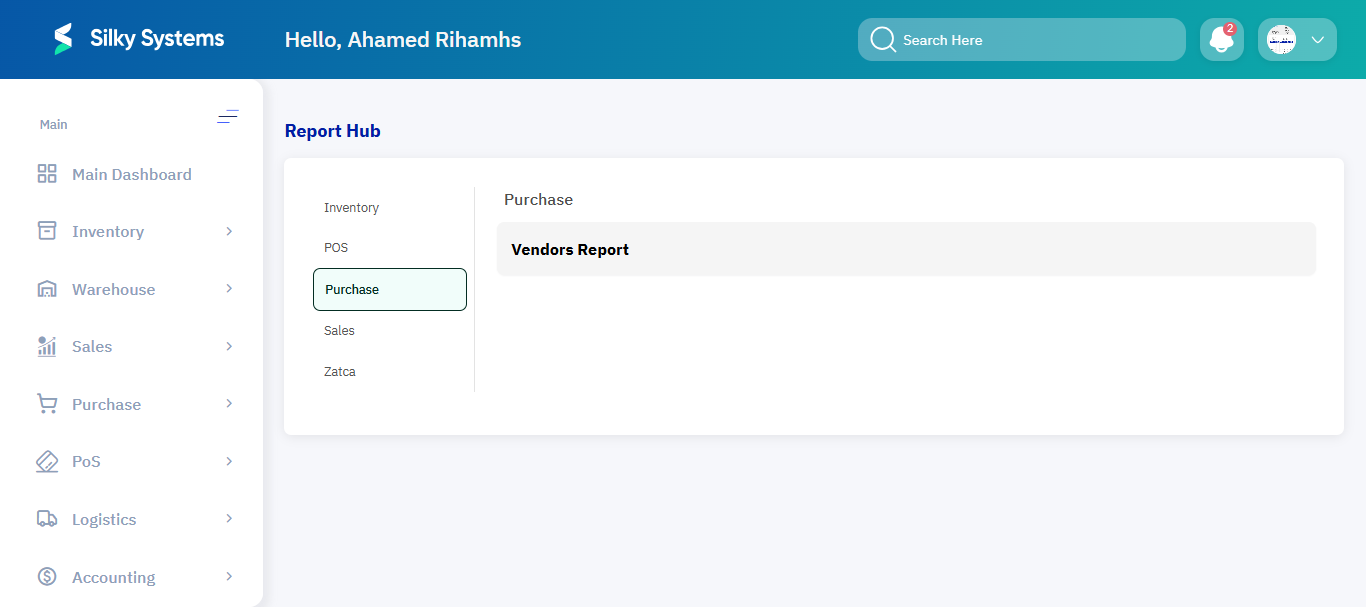
Sales Reports
The Sales Reports provide performance insights into revenue and VAT compliance.
- Sales Summary Per Amount Report – Consolidates total sales amount within a specific timeframe.
- VAT Per Invoice Report – Breaks down VAT applied per invoice, ensuring compliance with tax regulations.
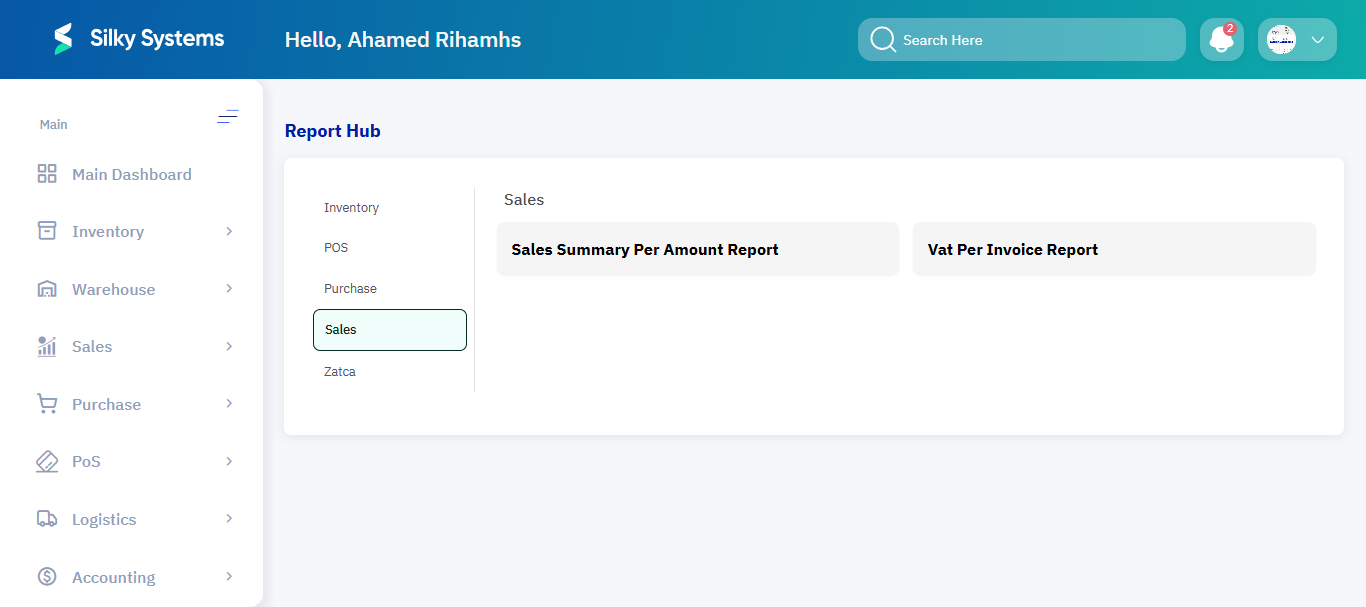
ZATCA Reports
The ZATCA Reports ensure compliance with Saudi Arabia’s ZATCA (Zakat, Tax, and Customs Authority) e-invoicing requirements.
- ZATCA Compliance Report – Validates invoices and transactions for regulatory compliance.
- ZATCA E-Invoice Rejection & Failure Audit – Tracks failed or rejected invoices and highlights reasons.
- General Ledger – Provides a financial ledger aligned with ZATCA standards for auditing.
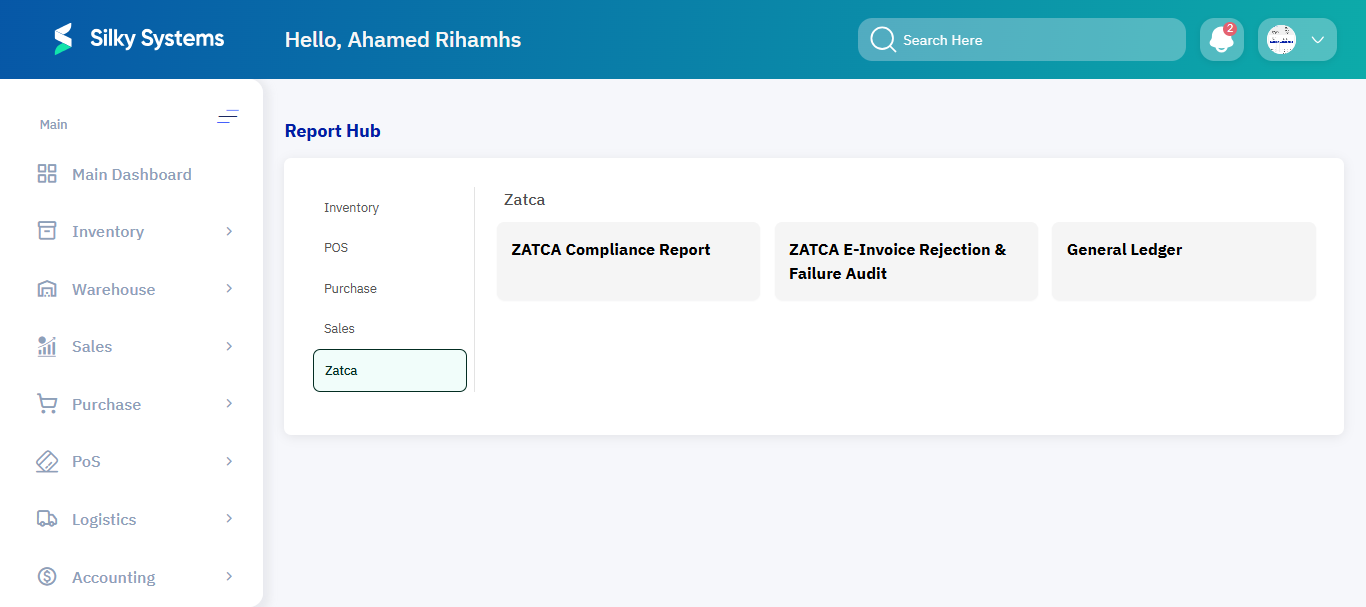
Key Features
- Centralized Hub: Access all business-critical reports from one place.
- Categorized Views: Organized into Inventory, POS, Purchase, Sales, and ZATCA.
- Compliance Support: Built-in ZATCA reports ensure legal compliance.
- Export Options: Download reports in Excel or PDF formats for analysis or sharing.
- Operational Insights: Helps track sales, purchases, stock, and cashier performance in real-time.
Benefits
- Improved Decision-Making: Real-time, accurate reporting supports informed decisions.
- Regulatory Compliance: Simplifies adherence to VAT and ZATCA requirements.
- Efficiency: Reduces manual reporting efforts with automated, categorized reports.
- Transparency: Provides full visibility into operational and financial performance.